Do you get a “You’ll need a new app to open this windowsdefender link” error while trying to launch the Windows Security app? If so, your app or PC might have corrupt files or incorrectly specified settings. We’ll show you how to fix them to get Windows Security working.
More often than not, the above issue occurs due to a problem in the Windows Security app. Other reasons for the error include Windows bugs, interference from a third-party antivirus tool, and more.

Restart Windows 11
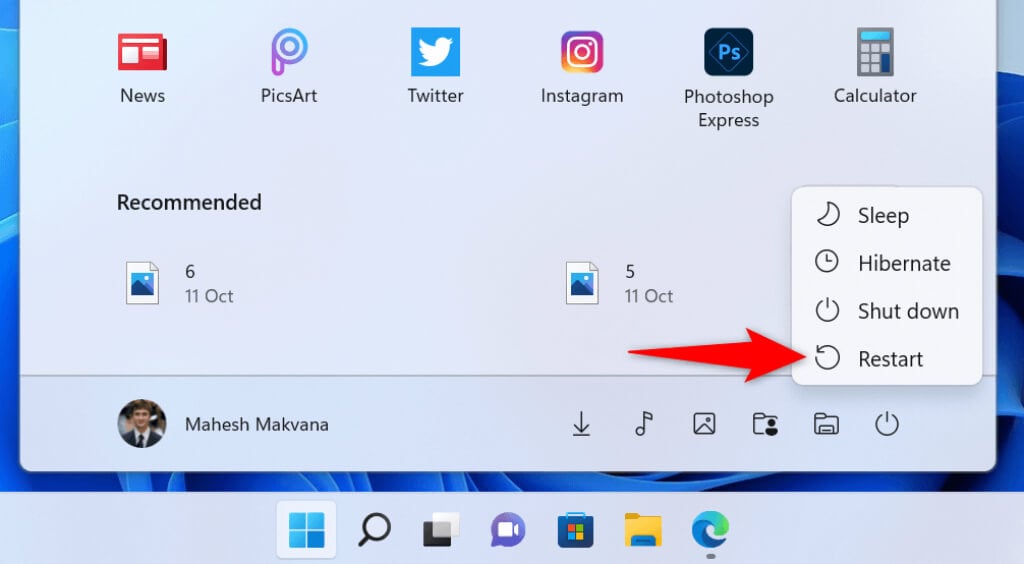
- * Access the Start menu.
* Select the Power icon at the bottom of the menu.
* Choose Restart in the menu.
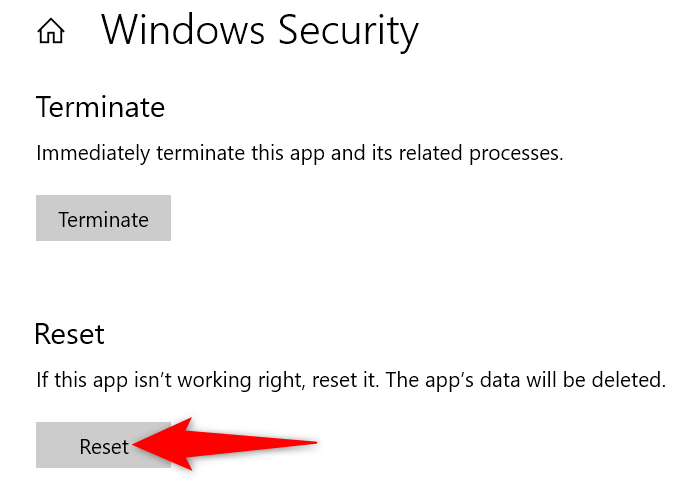
- Select Reset on the following page.
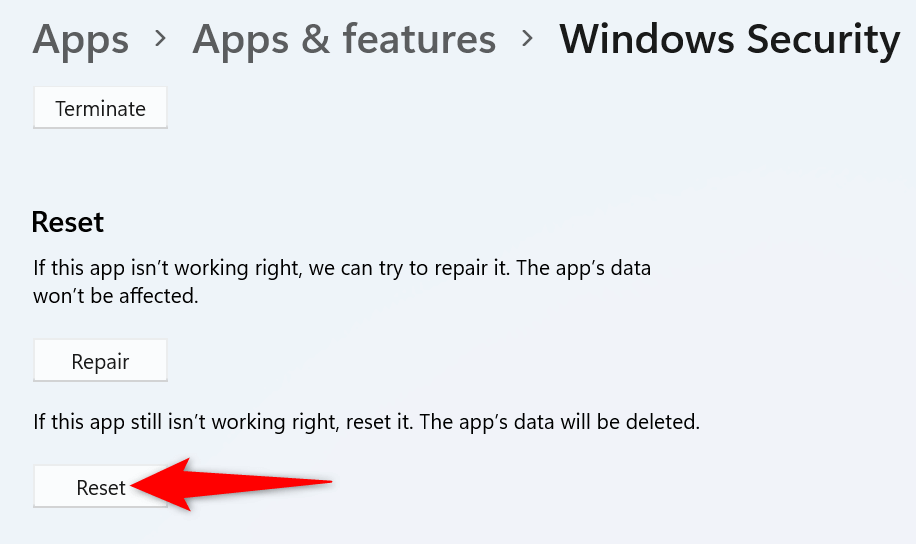
- Select the Reset button.
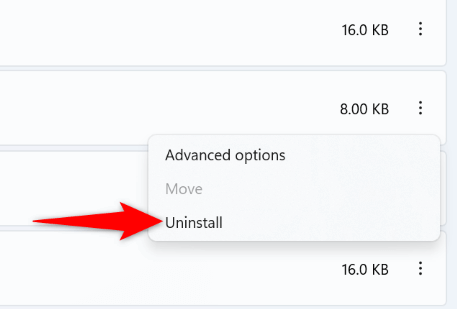
- Select Uninstall in the prompt. * Reboot your PC.
On Windows 11
- Right-click the Start menu icon and choose Settings. Alternatively, press Windows + I. * Select Apps on the left and Apps & features on the right. * Find your antivirus on the list, select the three dots next to the program, and choose Uninstall.
- Install the available updates. * Reboot your PC.
On Windows 11
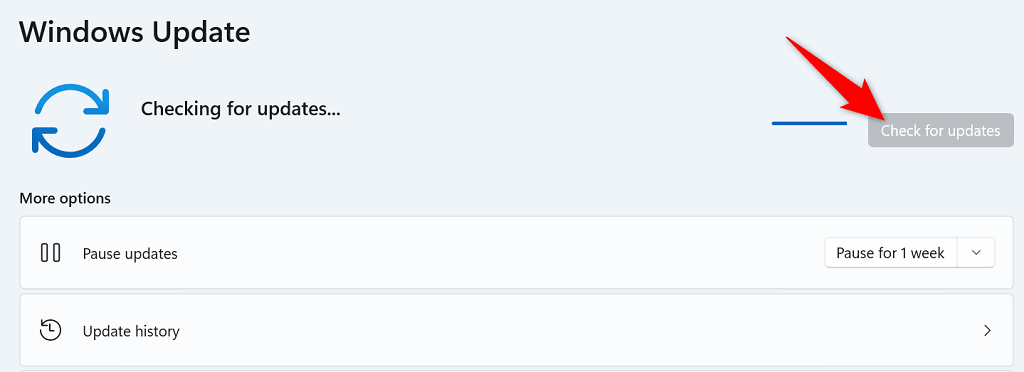
- Right-click the Start menu icon and choose Settings. * Select Windows Update on the left. * Choose Check for updates on the right.
- After executing the command, close the Command Prompt window.
On Windows 11
The following procedure will reinstall and re-register all stock Windows apps.
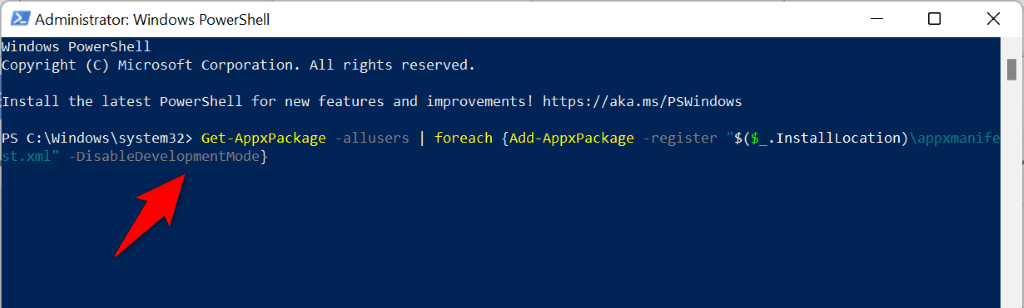
- Access Start, search for PowerShell, and select Run as Administrator.
- Select Yes in the User Account Control prompt.
- Enter the following in your PowerShell window and press Enter: Get-AppxPackage -allusers | foreach {Add-AppxPackage -register “$($_.InstallLocation)\appxmanifest.xml” -DisableDevelopmentMode}
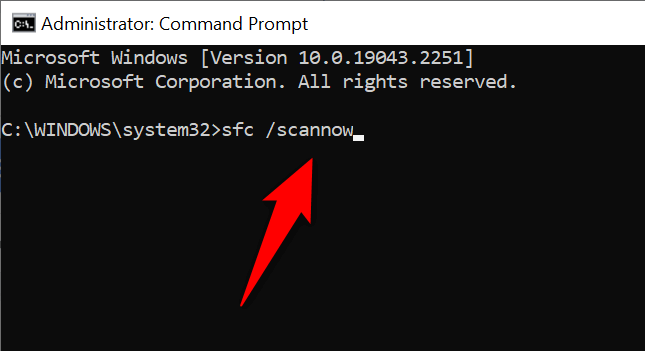
- After executing the above command, run the following command: sfc /scannow
- Select Keep my files and follow the on-screen instructions.
On Windows 11
- Open Windows Settings by pressing Windows + I. * Select System in the left sidebar. * Choose Recovery on the right pane.
- Select Reset PC next to Reset this PC.