Modern laptops are pretty good at controlling their temperatures, but the laws of physics only allow so much before you have to clamp down on performance. Laptop cooling pads can help tame a laptop under load and keep it performing at its best.
We’ve scoured Amazon for some of the best and most popular cooler pads, and have selected the best laptop cooling pads for various use cases. Before we get to that, let’s look at what separates a good cooling pad from a bad one.

What to Look for in a Laptop Cooling Pad
Laptop cooling pads may seem like a load of hot air, but a key reason so many people don’t get the results they need from these devices is that they’re using them incorrectly.
So, before you buy a cooling pad that looks cool and suits your budget, consider a few key features beyond the basic ones, such as build quality or warranty period.
First, ensure that the cooler in question is compatible with your laptop. The most basic check here is whether the pad is designed for your laptop’s size, but you should also pay attention to the fan layout and how well it matches the bottom vent design of your laptop. A pad with poor compatibility for your laptop will result in equally poor cooling performance for your CPU or GPU.
Check for specifications or reviews that mention the pad’s noise level. Generally, you want something at 30 decibels or less. Also, remember that larger fans make a lower-pitched noise, which can further reduce distraction.
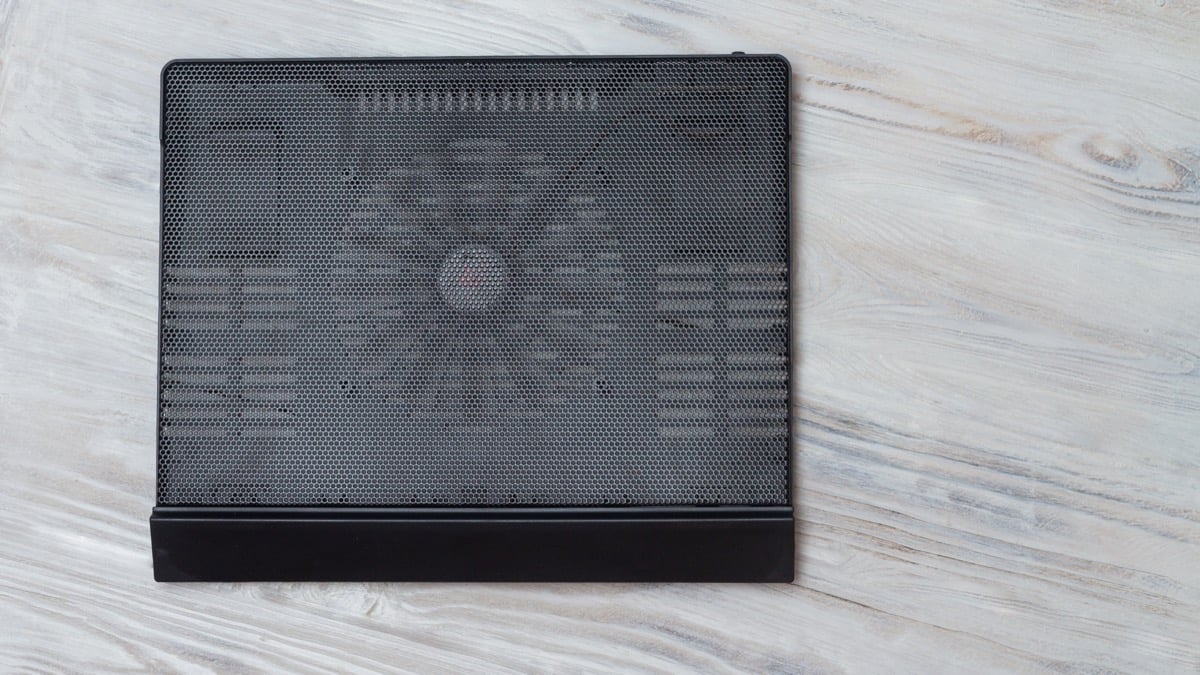
The size and weight of the pad are important, especially if you’re looking to take the pad with you when you travel. It’s fine to have a robust cooling pad that stays on your desk, but if you need to set up shop in a hotel room, for example, you’ll want something slimmer.
On that note, pay attention to the adjustability and ergonomic design of the pad. Cooler pads can also act as laptop risers, bringing your screen to a more ergonomic height or adjusting the keyboard angle for better wrist health. So buying a pad with adjustable height is a major consideration.
Finally, there might be some cool extra features, such as built-in USB hubs, RGB lighting, or fan speed adjustment. How much these are worth it to you is obviously a personal choice.
The Best Budget Laptop Cooler:Havit HV-F2056 15.6″-17″ Laptop Cooler Cooling Pad
The HV-F2056 might not have the slickest name, but in every other respect it’s a pretty slick product. Havit calls it an “ultra-slim” pad and it sure looks like it doesn’t take up any more space than it needs to.
This is a budget-friendly cooling pad, but despite this you get no fewer than three fairly large cooling fans. With fans of this size and a low-speed option, the pad should be remarkably quiet while moving quite a bit of air.
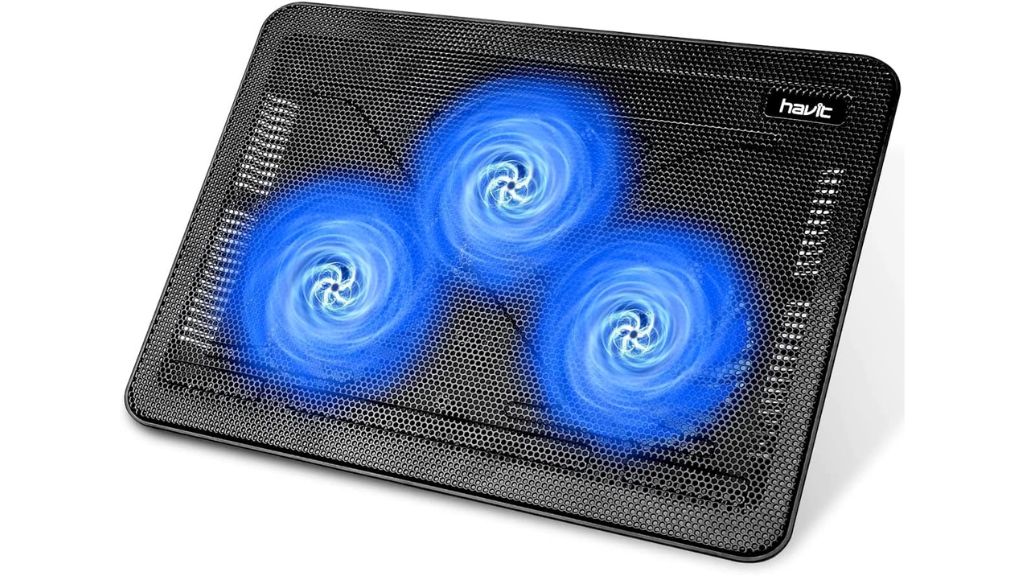
The pad can handle laptops up to 17” in size, with the ultra-popular 15.6” size being the smallest size this pad is designed for. Although on paper the fans should be quiet, it does seem that a few users think it’s a little noisy. This could be down to budget build quality and individual unit difference, but you should be aware of those complaints.
The Havit also offers an integrated two-port hub. This is handy if you want to leave a mouse and keyboard connected. You can simply plug in the cooling pad and your peripherals are ready to go.
The pad has a metal mesh surface, so you should get airflow across the entire bottom of the laptop, not just where the fans are. For the price, this is a great option for those with larger laptops who still want something slim, albeit with only two height adjustment levels.